Best Laser Engravers for DIY Home Projects
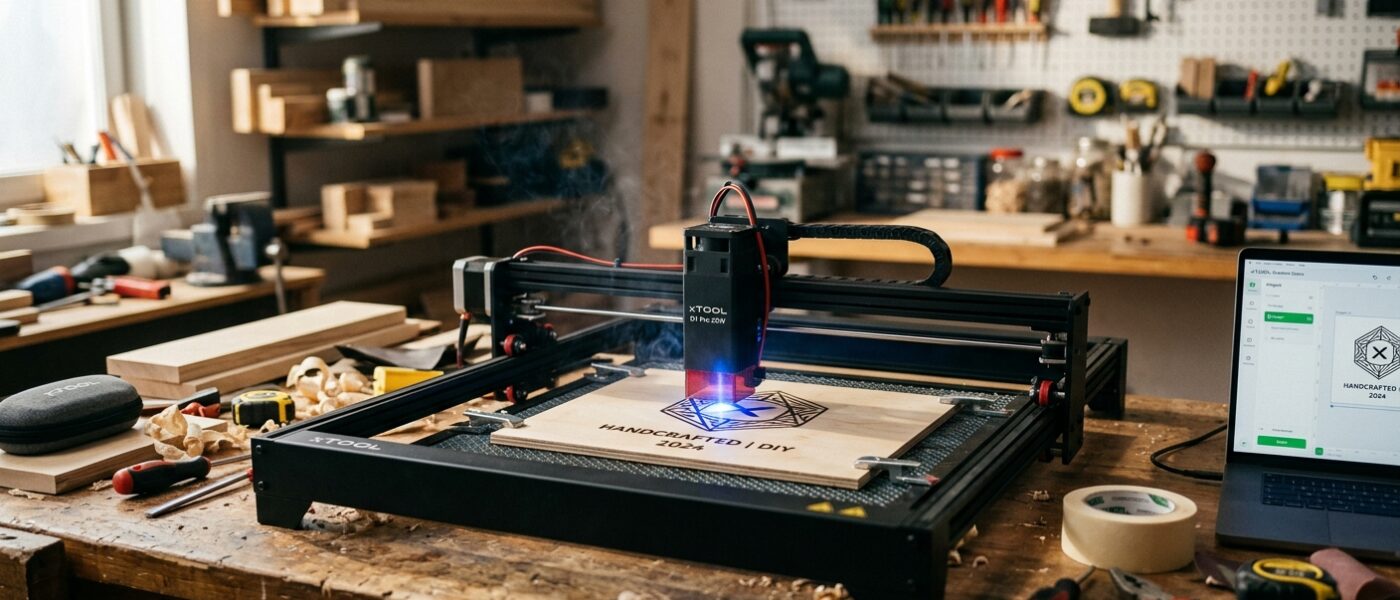
xTool D1 Pro 20W is the best DIY laser engraver for serious makers; Sculpfun S30 Pro Max wins on value.
Laser engravers have moved from industrial machines costing tens of thousands of dollars to desktop tools under $500 that sit on a kitchen table and produce professional-quality engraving on wood, leather, acrylic, and anodized aluminum. For DIYers who make personalized gifts, run small craft businesses, customize tools and gear, or want to add detailed surface art to woodworking projects, a desktop laser engraver opens creative possibilities that were genuinely inaccessible five years ago.
The technology has settled into two main categories: diode lasers (most affordable, best for beginners) and CO2 lasers (more powerful, better for cutting, higher cost). Understanding which suits your projects and budget is the foundation of a good laser engraver purchase. This guide covers the best options across both technologies with honest assessments of their real-world capabilities.
How We Evaluate Laser Engravers
Laser type and wattage: Diode lasers (5W–20W optical output) engrave and cut thin materials well. CO2 lasers (30W–60W and up) cut thicker material faster and engrave glass, stone, and other materials diode lasers can’t mark effectively. Stated “input wattage” is misleading – always look for “optical output wattage” which reflects actual cutting/engraving power.
Work area size: Budget machines typically offer 400x400mm work areas. Mid-range machines offer 400x600mm or larger. Consider the largest object you realistically need to engrave – a 400mm machine handles phone cases, cutting boards, and small signs comfortably. Larger plaques and door signs may require a larger bed.
Software compatibility: Most diode engravers use LightBurn ($60, one-time purchase) or the manufacturer’s LaserGRBL/XCS software. LightBurn is the industry standard for quality and capability and is worth budgeting for separately. Confirm compatibility with your laser before assuming free software suffices.
Safety features: Laser engravers require enclosures or proper ventilation – the fumes from engraving wood, acrylic, and especially vinyl are toxic. Machines with enclosed designs or compatible enclosures are strongly preferred for indoor use. Flame detection, emergency stop, and lid protection are important safety features.
Air assist: A compressed air stream directed at the cut point removes combustion byproducts and prevents charring at cut edges. Air assist dramatically improves cut quality and allows deeper cutting per pass. It’s included in many mid-range diode machines and is a strong buying criterion.
Top Picks
1. xTool D1 Pro 20W – Best Diode Engraver Overall
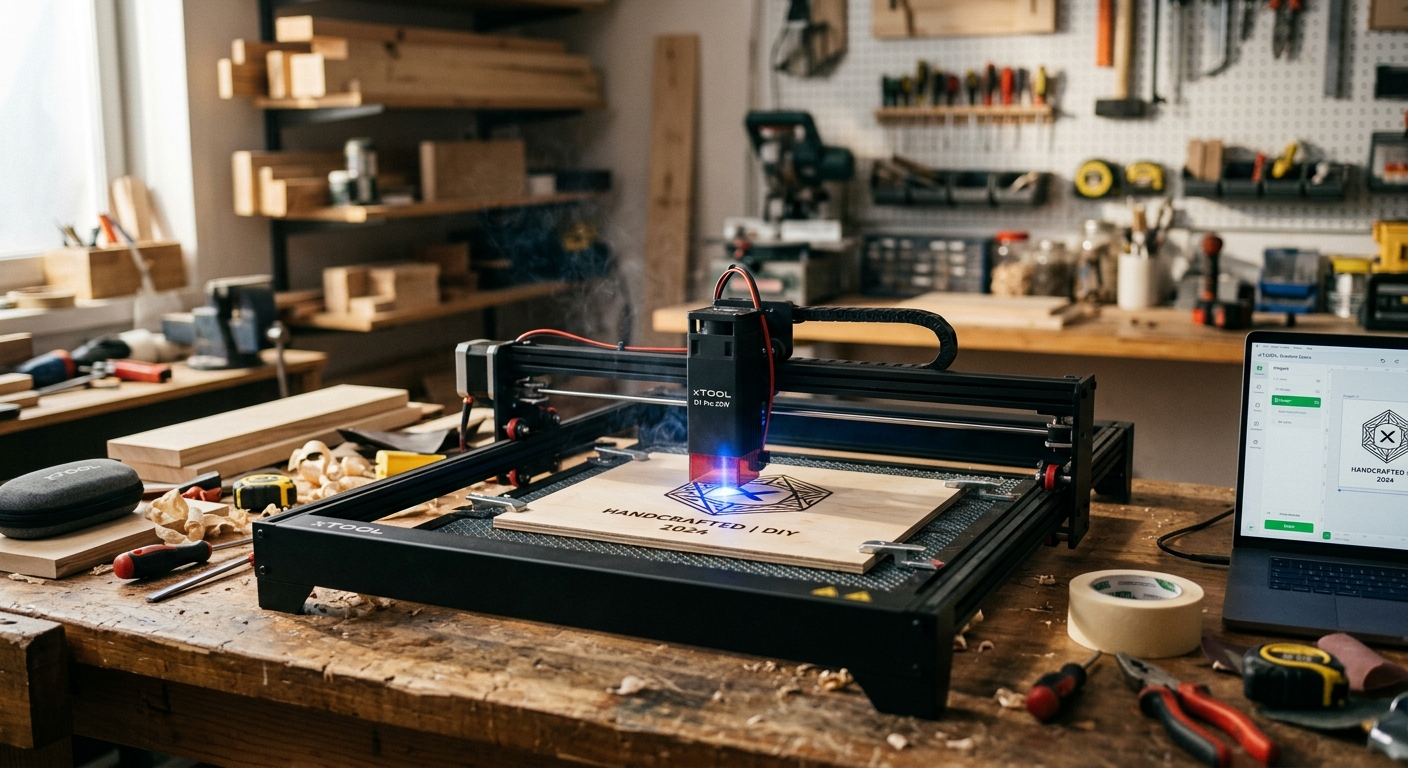
xTool’s D1 Pro with its 20W diode laser (genuine optical output, not inflated input wattage) is the best desktop engraver for DIYers who want serious capability without a CO2 machine’s price. It cuts through 8mm basswood in a single pass, engraves metal with anodized surfaces, works on leather and acrylic, and covers a 430x390mm work area. The included air assist pump is a genuine differentiator at this price. LightBurn compatible out of the box.
At $499–$599 (with air assist), the xTool D1 Pro represents the best value in its class. The fixed-focus laser head produces consistently sharp engraving without manual refocus adjustments. Recommended for gift makers, small craft businesses, and woodworkers who want to add detailed art and text to their projects.
- Pros: 20W optical output, air assist included, LightBurn compatible, excellent cut quality, 430mm work area
- Cons: Open frame requires separate enclosure for safe indoor use, initial assembly takes 45+ minutes
- Price range: $499–$599
2. Sculpfun S30 Pro Max – Best Value Mid-Range
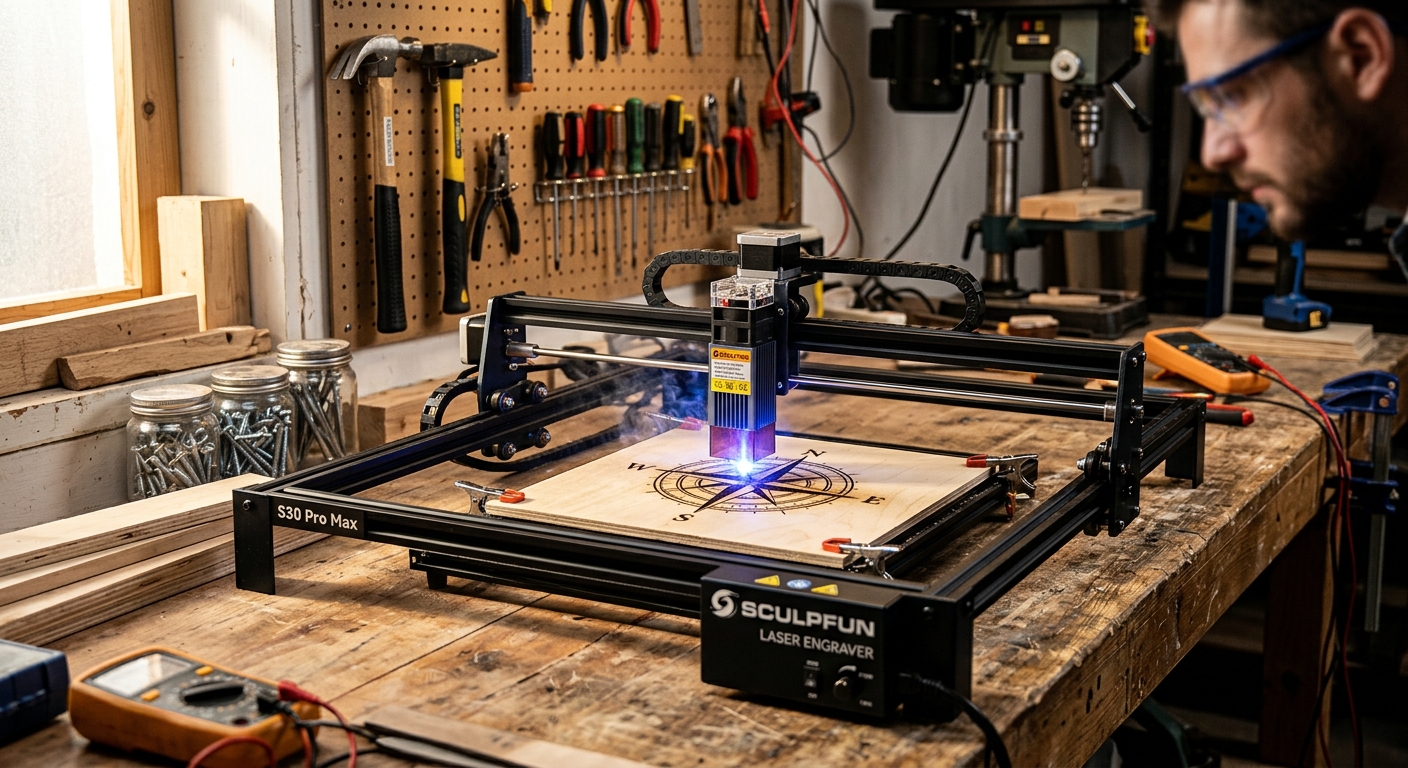
The Sculpfun S30 Pro Max at $349–$449 (20W version) is the best pure-value laser engraver for users who want strong performance without the xTool price premium. Its 10W version at $249 covers most hobby and light-craft applications; the 20W version handles thicker cuts and faster engraving of full sheets of material. Rail quality and frame rigidity are excellent for the price. Air assist is available as an add-on but not always included.
- Pros: Excellent frame quality, LightBurn compatible, strong community support, good price-to-performance
- Cons: Air assist sold separately, customer support can be slow
- Price range: $249–$449 depending on wattage
3. Glowforge Plus – Best Enclosed CO2 Machine
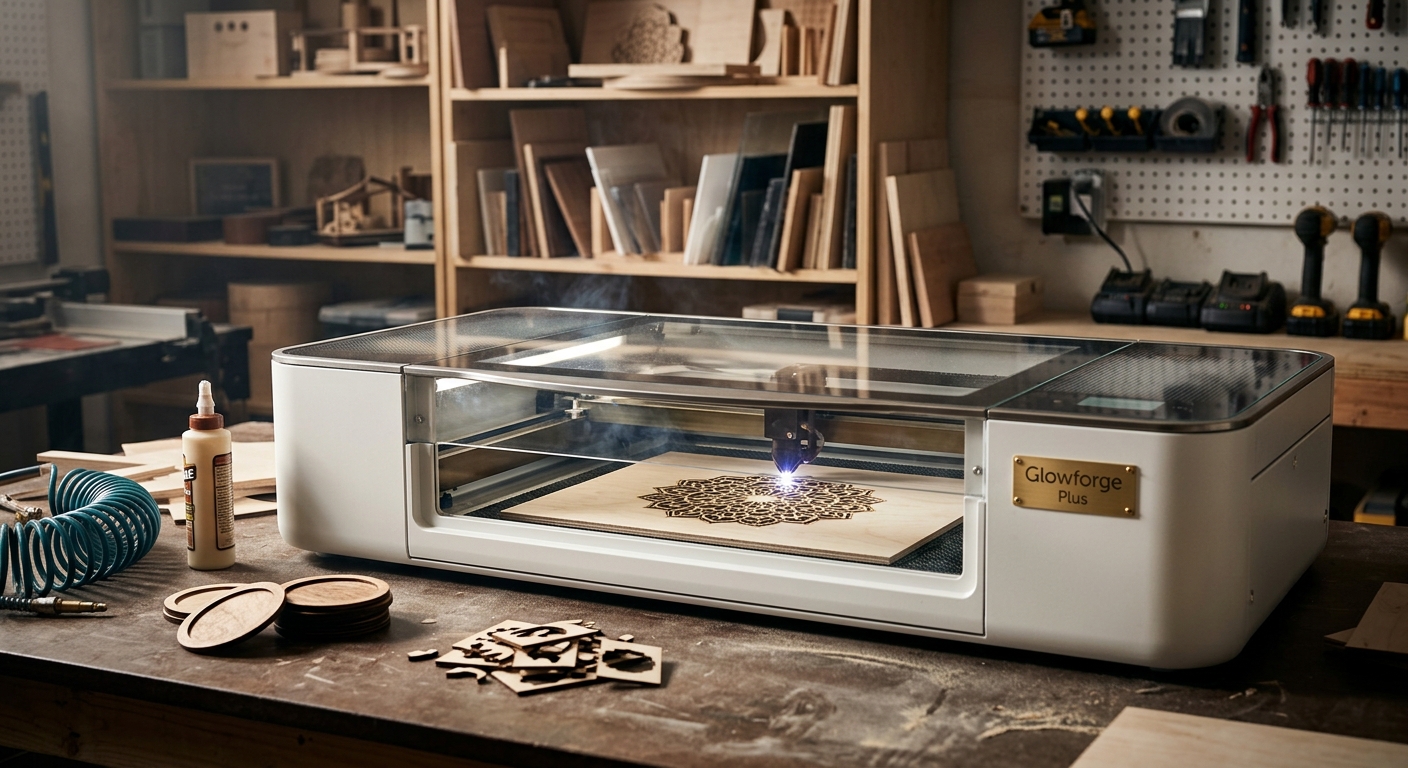
For users who want a plug-and-play enclosed engraver/cutter without assembling an open-frame machine, the Glowforge Plus at $3,995 is the premium option. Its 40W CO2 laser, camera-based design software (no LightBurn needed), and automatic material detection make it genuinely beginner-friendly in a way open-frame diode machines aren’t. Cloud-based software is a limitation (no offline operation), and the price is substantial. Recommended for schools, small businesses, and users who value ease of use over cost efficiency.
- Pros: Enclosed design (no separate enclosure needed), camera-based placement, excellent cut quality, CO2 laser for wider material range
- Cons’>’:Very high price, cloud-dependent software, no offline operation
- Price range: $3,995+
4. OMTech MF2028-60 – Best CO2 Budget Alternative
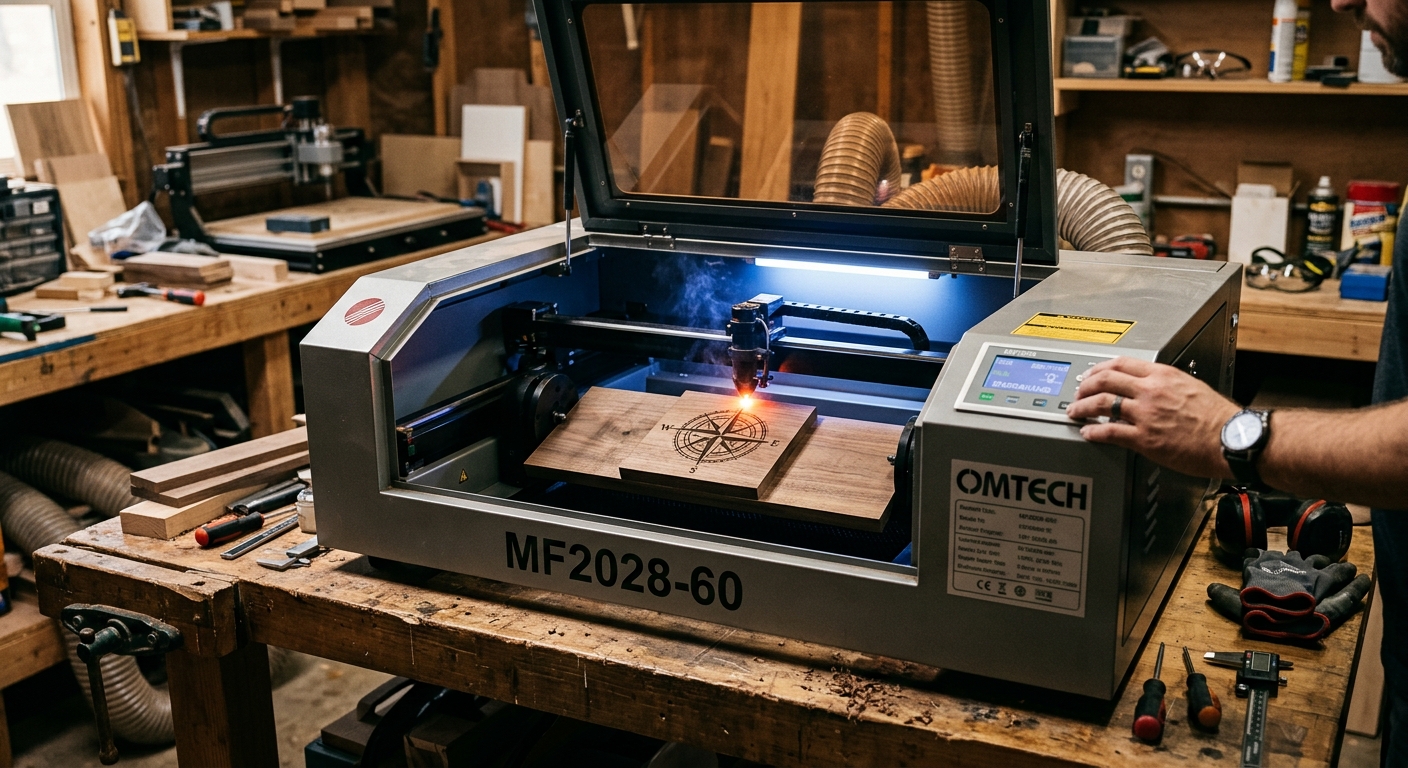
For users who want CO2 power without Glowforge prices, the OMTech 60W CO2 laser at $899–$1,099 provides a 20×28-inch work area, Ruida controller (fully LightBurn compatible), and built-in water cooling. The larger work area handles full-size signs and plaques. Setup requires more technical involvement than a diode machine, but the capability – cutting 1/4-inch acrylic in one pass, engraving glass and stone – significantly exceeds any diode laser.
- Pros: 60W CO2 power, large 20×28″ work area, LightBurn compatible, much lower cost than Glowforge
- Cons: Large footprint, requires water cooling setup, steep learning curve, no integrated enclosure
- Price range: $899–$1,099
5. ATOMSTACK S20 Pro – Best Budget Diode Starter
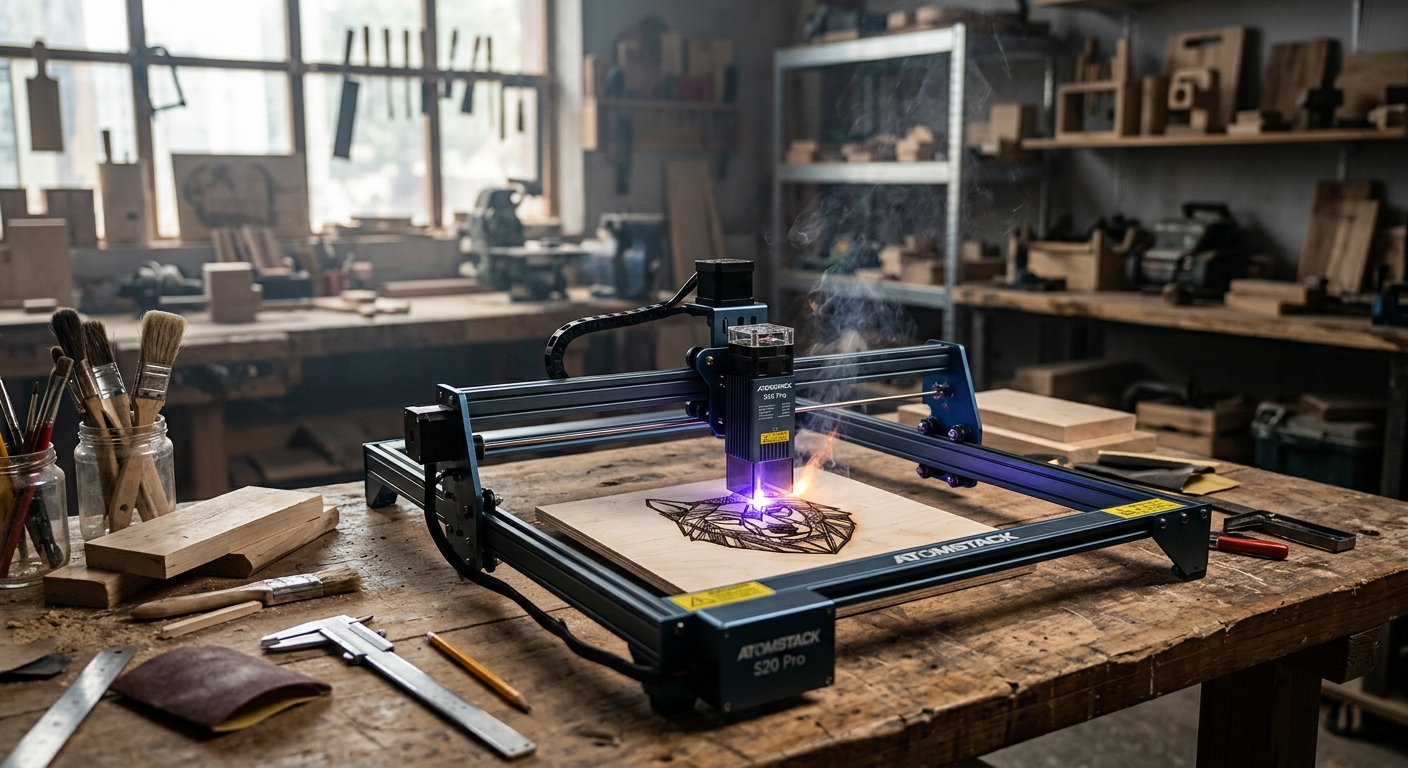
For beginners who want to explore laser engraving without significant investment, the ATOMSTACK S20 Pro at $199–$249 (20W) is the value entry point. Assembly is quick, LightBurn support is good, and the 400x400mm work area handles small projects well. Air assist can be added. Performance matches its price – adequate for basic engraving on wood, leather, and anodized metal, but slower and less precise than the xTool or Sculpfun alternatives.
- Pros: Budget price, LightBurn compatible, quick assembly, adequate for hobby use
- Cons: Slower than premium alternatives, accuracy drift over long sessions, no air assist included
- Price range: $199–$249
FAQ
Can I use a laser engraver indoors?
Only with proper ventilation or an enclosed machine with an exhaust system. The fumes from engraving wood, acrylic, and leather contain harmful compounds including formaldehyde, benzene, and fine particulates. Open-frame machines require either outdoor operation or a dedicated enclosure with exhaust fan venting outside. Never engrave PVC, vinyl chloride, or chlorinated materials indoors – these produce toxic chlorine gas.
What materials can a diode laser engrave vs cut?
Diode lasers (blue-violet, 450nm wavelength) engrave on wood, leather, paper, anodized aluminum, and some plastics. They cut thin materials (under 10mm depending on wattage) in multiple passes. They cannot engrave clear or mirrored glass (need CO2 or special coating), reflective metals (need marking compound), or most clear acrylics (need CO2). CO2 lasers engrave on glass, stone, and a broader range of plastics, and cut thicker materials in fewer passes.
Is LightBurn software worth buying?
Yes, for any regular use. LightBurn ($60 one-time) is far more capable than free alternatives for cutting paths, power and speed optimization, text engraving, and camera overlay for precise placement. Free manufacturer software is a starting point; LightBurn is what serious users actually use. Budget for it alongside your machine purchase.
Bottom Line
The xTool D1 Pro 20W with air assist is the best laser engraver for serious DIYers and small craft businesses who want professional results from a desktop diode machine. The Sculpfun S30 Pro Max offers comparable capability at a slightly lower price for buyers less concerned about brand support. Beginners testing the technology can start with the ATOMSTACK S20 Pro at $199 before committing to a premium machine. Users who need CO2 power without full industrial investment should look at the OMTech 60W; those who want maximum ease of use (and have the budget) can justify the Glowforge Plus.
Affiliate Disclosure: DIY Arsenal participates in the Amazon Associates Program and other affiliate programs. When you purchase through links on this site, we may earn a small commission at no additional cost to you. We only recommend products we have personally tested and genuinely believe in.